
Building a Swipeable Theme Carousel with AI-Generated Art
Our kids puzzle game had a map. Stations connected by paths, unlock progression, the whole adventure-map pattern. It worked, but it required scrolling, didn’t feel great on tablets, and the animal categories (Farm Friends, Ocean World) weren’t exactly what kids are excited about.
So we ripped it out and built something better.
The Vision
Think Netflix for kids puzzles. A horizontal carousel of big, cinematic cards you can swipe through. Each card is a theme kids actually care about — Frozen, Paw Patrol, Cocomelon, Cars, Bluey, Gabby’s Dollhouse, SpongeBob, Peppa Pig, Pokémon, Sonic. Tap a card, solve puzzles from that world.
The background behind the carousel changes as you swipe — a frozen arctic landscape crossfades into a Bikini Bottom seascape, then into Pokémon’s lush fields. Every image AI-generated.
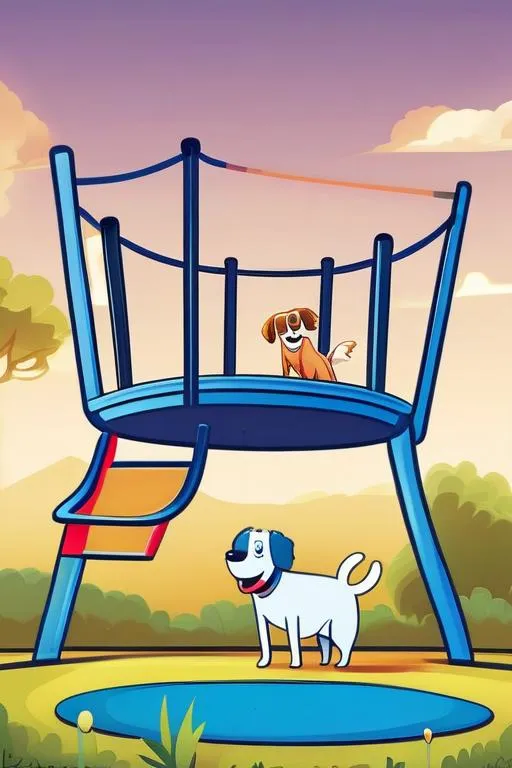
Here’s a taste of what Stable Diffusion XL produced for the card covers:
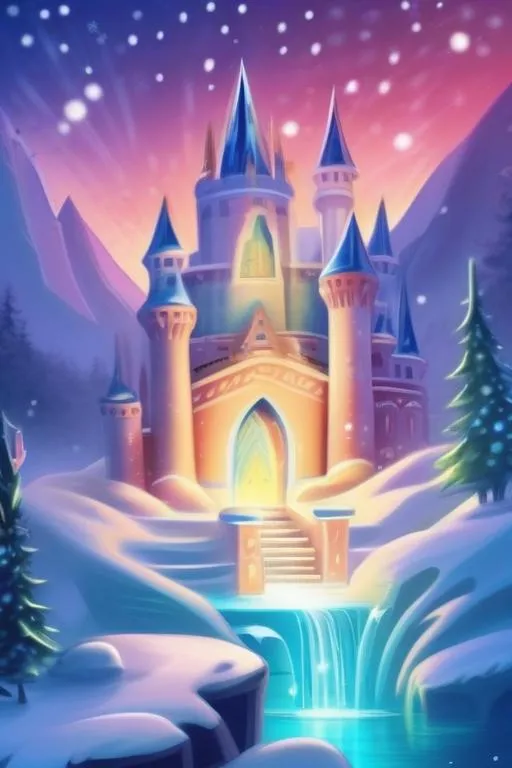 |  | 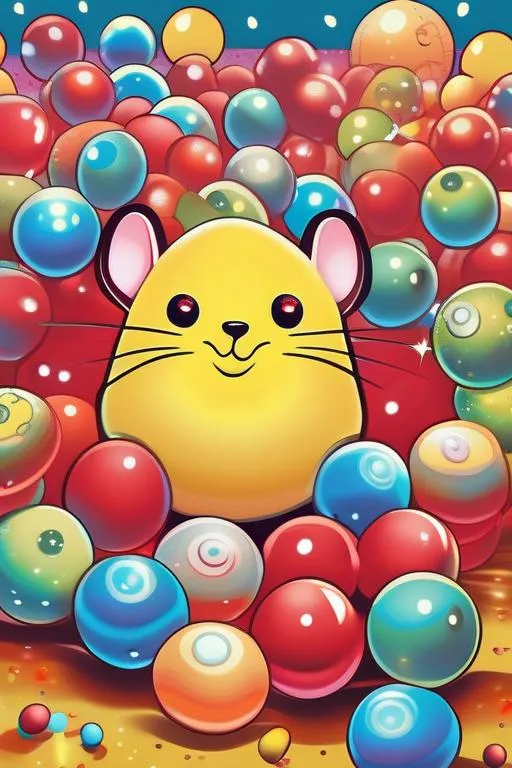 | 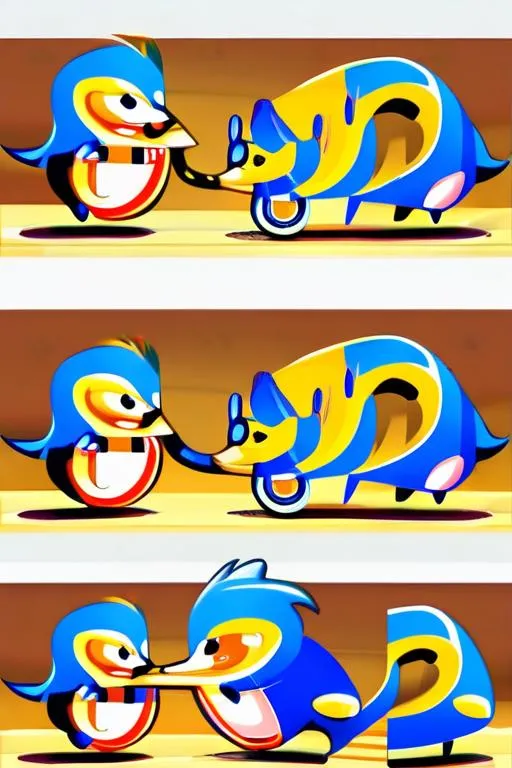 |
| Frozen | Paw Patrol | Pokémon | Sonic |
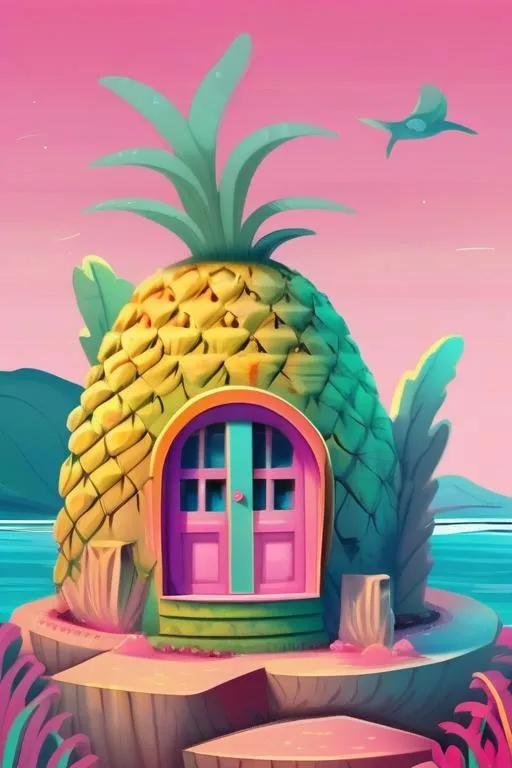 |  | ||
| SpongeBob | Bluey |
The Carousel: No Libraries, Just CSS + Pointer Events
We tried CSS scroll-snap first. It works great on real mobile browsers but behaves inconsistently in device preview frames and doesn’t give you control over the animation feel.
Instead, we built a controlled carousel with pointer events:
const onPointerDown = (e: React.PointerEvent) => {
  dragging.current = true;
  startX.current = e.clientX;
  velocity.current = 0;
};

const onPointerMove = (e: React.PointerEvent) => {
  if (!dragging.current) return;
  const now = Date.now();
  const dt = now - lastTime.current;
  if (dt > 0) velocity.current = (e.clientX - lastX.current) / dt;
  setDragOffset(e.clientX - startX.current);
};

const onPointerUp = (e: React.PointerEvent) => {
  const dx = e.clientX - startX.current;
  const threshold = container.clientWidth * 0.15;

  if (velocity.current < -0.3 || dx < -threshold) goTo(activeIndex + 1);
  else if (velocity.current > 0.3 || dx > threshold) goTo(activeIndex - 1);
  else setDragOffset(0); // snap back
};
The key insight: velocity matters more than distance. A quick flick (>0.3 px/ms) should advance the card even if you only moved 30px. This is what makes swipe gestures feel native. We also added rubber-band resistance at the edges — dragging past the first or last card moves at 0.3x speed and snaps back.
The track is a flex container that moves via translateX. During drag, transitions are disabled for instant response. On release, a cubic-bezier(0.25, 1, 0.5, 1) easing provides smooth deceleration.
AI-Generated Theme Art
Each of the 10 themes needs two images:
- Cover (512x768, portrait) — the card artwork
- Background (1024x768, landscape) — the full-screen backdrop
We wrote a Bun script that generates both via Hugging Face’s Stable Diffusion XL:
const THEMES = {
  frozen: {
    cover: "a magical ice castle with sparkling snowflakes...",
    bg: "a vast frozen landscape with shimmering ice crystals...",
  },
  // ... 9 more themes
};

// Different style prompts for covers vs backgrounds
const COVER_STYLE = "cute children's book illustration, vibrant colors...";
const BG_STYLE = "dreamy atmospheric landscape, soft blurred background...";
The background prompts deliberately exclude characters and text — they’re atmospheric landscapes that look great blurred behind a carousel. The cover prompts are character-focused and detailed.
Run bun run scripts/generate-theme-images.ts and 20 images appear in client/public/themes/. They’re committed to the repo — no runtime generation, instant loading.
Crossfading Backgrounds
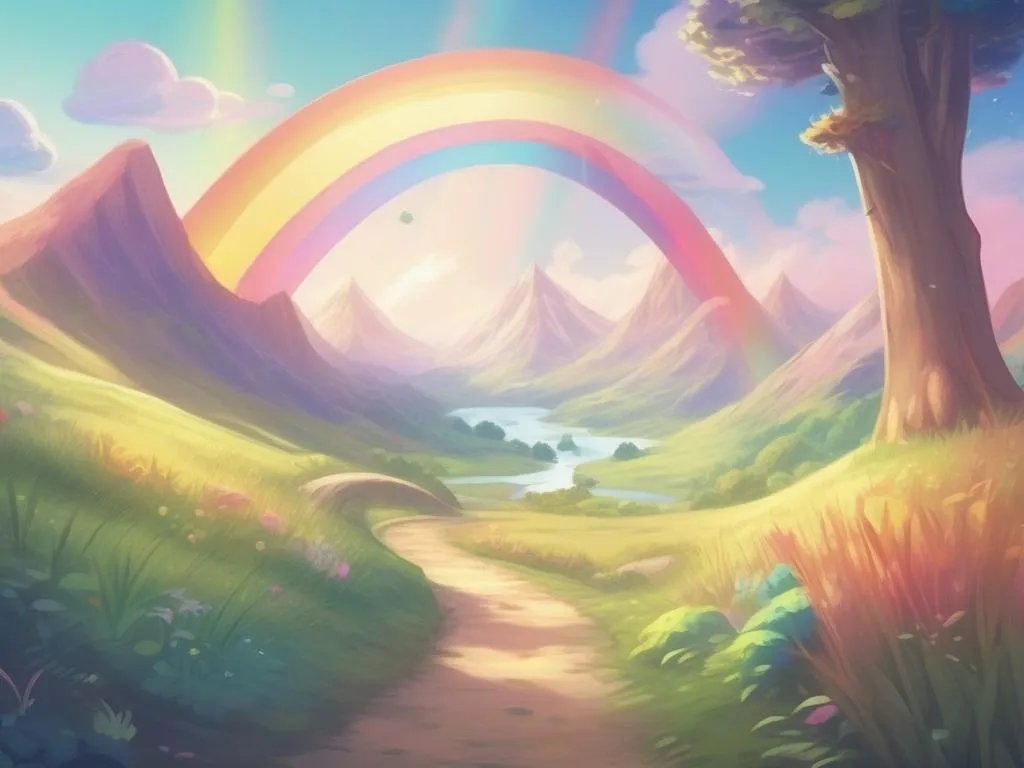
The backgrounds are atmospheric landscapes — no characters, soft and painterly — designed to sit behind the cards without competing for attention:
 |  |
| Frozen — arctic northern lights | Pokémon — lush fields and mountains |
Each theme’s background is rendered as a full-screen layer. Only the active one has opacity: 1:
{STATIONS.map((station, i) => (
  <div
    className="absolute inset-0 transition-opacity duration-700"
    style={{ opacity: i === activeIndex ? 1 : 0 }}
  >
    <img src={station.bgImage} className="absolute inset-0 w-full h-full object-cover" />
  </div>
))}
<div className="absolute inset-0 bg-black/30" />
CSS transition-opacity duration-700 gives us a smooth 700ms crossfade. The dark overlay ensures card text stays readable regardless of the background brightness.
What Broke Along the Way
Hugging Face model 404. Our production server was configured with stabilityai/stable-diffusion-xl-refiner-1.0 — which isn’t available as a text-to-image endpoint. Locally we had no HF_MODEL set, so it defaulted to the base model that works. Took some kubectl debugging to find the mismatch in the AWS Secrets Manager config.
Free tier limits. We hit the HF monthly quota after generating 12 of 20 images. The Pro plan ($9/month) fixed it instantly.
Scroll-snap didn’t cut it. Native CSS scroll-snap works differently across browsers and doesn’t work at all in device preview frames. Pointer events give us consistent behavior everywhere.
The Stack
- Carousel: React + pointer events + CSS transforms (no swipe library)
- Animations: GSAP for entrance effects, CSS transitions for swipe/crossfade
- Image generation: Hugging Face Stable Diffusion XL via a Bun script
- Data: Static TypeScript arrays with gradient fallbacks when images are missing
What’s Next
The puzzle gameplay itself still uses emoji rendering for most themes. Now that every puzzle has an aiPrompt, we could pre-generate all puzzle images too — that’s ~45 images across 10 themes. We’re also planning a gamification layer: earn rewards when you complete all puzzles in a theme.
But for now, swiping through Frozen to Sonic with AI art crossfading behind the cards — that feels pretty good.